
Elf Spotted
Christmas elf caught on camera
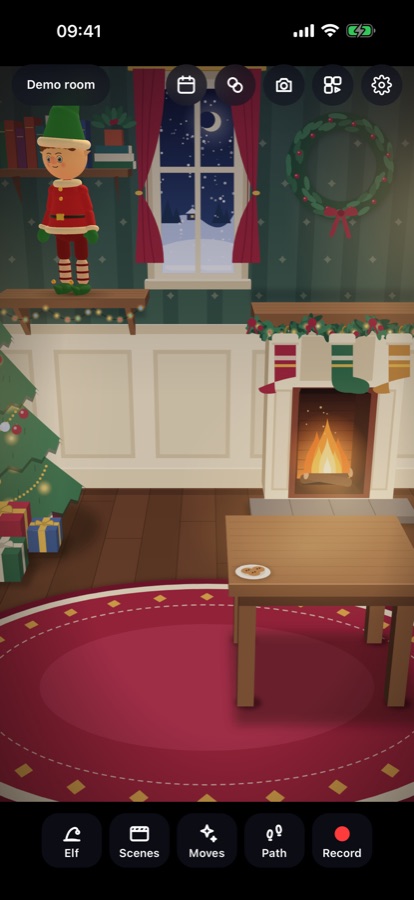
Point your iPhone at a table, a shelf or the floor, tap, and a little animated toy elf appears in your own room. Pick a scene, press Record, and you have a "caught on camera" Christmas video to show your children in the morning.
- Free
- No watermark
- No account
- No ads or tracking
- Works offline
- iPhone
How it works
- Find a surface. Move the phone slowly over a table or the floor until the hint says to tap.
- Place your elf. Tap: it pops out of a sparkle. Pinch to resize, twist to turn, drag to move.
- Choose what happens. One of 12 scenes, or any of 45 moves, or tap spots for it to sneak, walk or run to.
- Record. 3-2-1, and the clip is saved in the app's Album, ready to save to Photos or share.
What's inside
A handmade-looking toy
Felt clothes, a bendy hat with a bell, freckles and rosy cheeks. It casts a soft shadow on your real table.
12 one-tap scenes
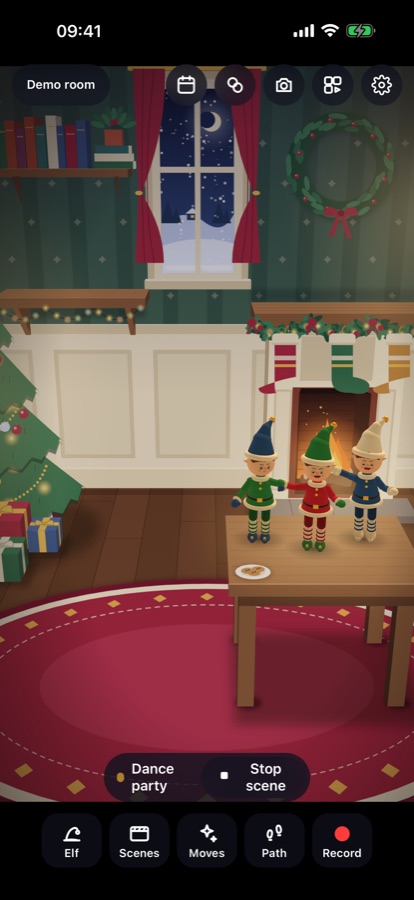
Arrival, Cookie thief, Snowball ambush (splat on the lens), Dance party, Nice List report with your child's name, and more.
Looks
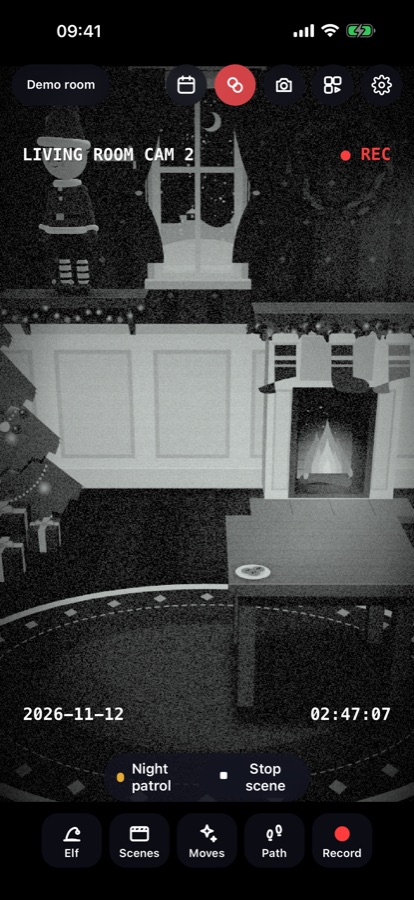
Night vision, a security-camera view with the time you choose, doorbell fisheye, falling snow, sparkle trail, old film.
Match your own elf
Outfit, hat, skin tone, hair, eyes, freckles, glasses, scarf, name. Save up to 6 elves; up to 3 in one scene.
December planner
24 evenings of ideas, each with a matching scene and a printable note from your elf with your child's name.
Grown-ups only
An optional PIN when the app opens and a plain snowflake icon, so the magic stays a secret.
Honest about the magic
Elf Spotted adds an animated elf to your camera picture: it is a video-making toy for parents. Everything is processed on your iPhone; nothing you film is uploaded. No AR on your phone? Settings → Demo room shows every feature in a drawn living room.